


Interaction to Next Paint (INP): The Core Web Vital Most SME Websites Still Fail in 2026

If your website looks polished but feels sluggish the moment a visitor taps a button, opens a menu, or filters a product list, Interaction to Next Paint (INP) is usually the reason. INP is the Core Web Vital that measures how quickly your site responds to every click and tap, and in 2026, roughly 40% of mobile sites still fail it, according to Chrome UX Report data. This guide explains what INP is, why it quietly costs you leads, and the practical fixes your team can start this week.
What is INP, and why it replaced FID
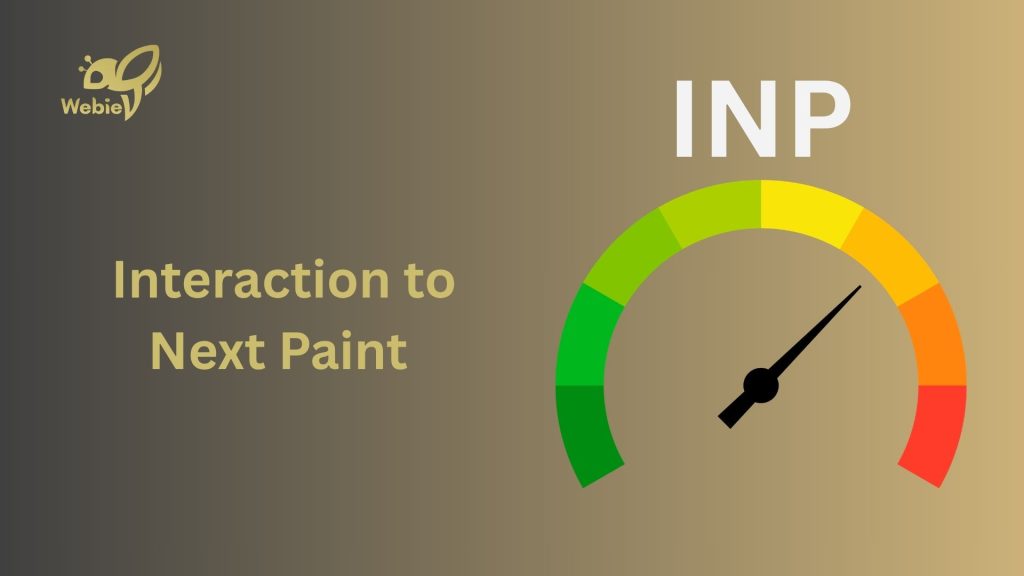
INP measures responsiveness across your page’s entire lifespan. It records the time from the moment a user starts an interaction — a click, tap, or key press, to the moment the next frame is fully painted on screen. A lower number means your interface feels instant; a higher number means users see a visible lag between action and response.
Google grades INP at the 75th percentile of real visits: 200 milliseconds or less is “good,” 200–500ms “needs improvement,” and above 500ms “poor.” It replaced First Input Delay because FID only measured the delay before the first interaction, while INP captures the full cost of every interaction on the page, which makes it noticeably harder to pass.
Why INP matters for your business, not just your developer
INP is not a vanity metric for engineers; it maps directly to revenue and visibility. Here is where a poor score hurts an SME the most:
- Search ranking: Core Web Vitals are a confirmed Google ranking signal, so a poor INP can quietly hold back the SEO results you are paying for.
- Engagement and conversions: sites with poor INP see higher bounce rates, shorter sessions, and fewer clicks per session, every laggy tap is a chance for the visitor to leave.
- Real business moments: a real-estate site whose map filter freezes, a retail store whose “add to cart” stutters, or an F&B page whose booking form lags all lose the exact interactions that turn a visitor into a lead.
The 4 most common causes of poor INP
In almost every audit we run, poor INP comes back to the same handful of culprits. Recognising them early makes the fix far cheaper.
Long JavaScript tasks
When a single script runs for more than 50 milliseconds, it blocks the main thread, the same thread the browser needs to respond to the user. Heavy page builders, unused plugins, and oversized theme scripts are frequent offenders on SME websites.
Too many third-party scripts
Chat widgets, ad pixels, heatmaps, and analytics tags all compete for the main thread. Each one feels small, but together they can push a fast website well past the 200ms threshold, especially on mid-range phones.
A bloated DOM and complex layouts
Pages built from thousands of nested elements force the browser to recalculate styles and layout on every interaction. Bloated templates and endless page-builder sections are a common cause of this hidden weight.
Event handlers that do too much
When a single click triggers a chain of calculations, network calls, or DOM updates all at once, the next frame is delayed. Deferring non-visual work until after the screen updates keeps the interface feeling responsive.
How to fix INP: a practical checklist
You rarely need a full rebuild to pass INP. Work through this checklist, starting from real field data rather than guesswork:
- Measure first: open PageSpeed Insights or the Chrome UX Report and read your INP at the 75th percentile to find the slowest interactions before changing anything.
- Break up long tasks: split work longer than 50ms and use scheduler.yield() so the browser can respond to the user between chunks.
- Defer non-visual work: update the screen first, then run analytics, logging, and background calls after the next paint.
- Audit third-party scripts: remove what you no longer use and lazy-load chat, maps, and pixels so they load only when needed.
- Trim the DOM: reduce nested elements, simplify heavy layouts, and cut unused page-builder sections to lighten every interaction.
FAQ
Use Google PageSpeed Insights or the Chrome UX Report and look specifically at the field-data section, which reflects real visitors at the 75th percentile, lab scores alone will not tell you the full story.
Mobile devices fail most often because they have less processing power, but you should measure both mobile and desktop, since a single heavy script can slow either one.
Make site speed your competitive advantage
In a market where most SME websites still fail INP, a site that responds instantly is a genuine edge, visitors stay longer, trust you sooner, and convert more often. If your website feels slow to respond and you suspect it is costing you leads, our team can audit your Core Web Vitals and optimise the interactions that matter. Explore our website design and performance services, or talk to us directly via hotline +84 969 838 467 or email huyen.dang@webie.com.vn. Source: web.dev (Interaction to Next Paint) and SitePoint, “Core Web Vitals 2026: Fix Interaction to Next Paint.”

